

WhatsApp is gaining momentum in a fast-moving digital world, and it has become a key channel for businesses to communicate with their customers. Be it product updates, new product launches or marketing campaigns, WhatsApp gives brands the power to engage their audiences.
But knowing how to schedule WhatsApp campaigns can make or break your goal. If you are wondering how to schedule WhatsApp campaigns, you have come to the right place.
Why scheduling WhatsApp campaigns is the need of the hour
Scheduling WhatsApp campaigns lets businesses plan their communication and outreach for optimum timing. The right WhatsApp campaign scheduler can:
Without knowing how to schedule WhatsApp campaigns, you might miss out on these benefits. Now let's walk step by step through scheduling a successful WhatsApp campaign.
- Automate message dispatch — Automate message dispatch for greater efficiency.
- Personalize messages — Personalize your messages to engage better with your audience.
- Track outgoing messages — Track outgoing messages for better performance analytics.
- CRM integration — Integrate your campaigns with your CRM for more efficient management of customer relationships.
Step 1: Select the right tool
The first step in scheduling WhatsApp campaigns is to check the credibility of a WhatsApp campaign scheduler. This tool handles message automation on the delivery end, tracks message performance and integrates your CRM with chat. Tools from Cloudshope Technologies Pvt. Ltd. and others offer excellent features such as message personalization, WhatsApp chat tracking and outgoing tracking.
Step 2: Set up the WhatsApp Business account
With the WhatsApp campaign scheduler in place, verify the setup of your WhatsApp Business account. It allows you to create and manage contact lists, use advanced messaging features and sync campaigns with your CRM. If you're still wondering how to schedule campaigns on WhatsApp, getting this business account set up properly comes first.

Step 3: Create and segment your audience list
Audience segmentation plays a crucial role in your campaign's success. Start organizing your contact list by factors such as location, interests or purchase history. If you sync your CRM with the WhatsApp campaign scheduler, this process becomes less intimidating and more focused. In any case, scheduling WhatsApp campaigns well requires a well-segmented list.
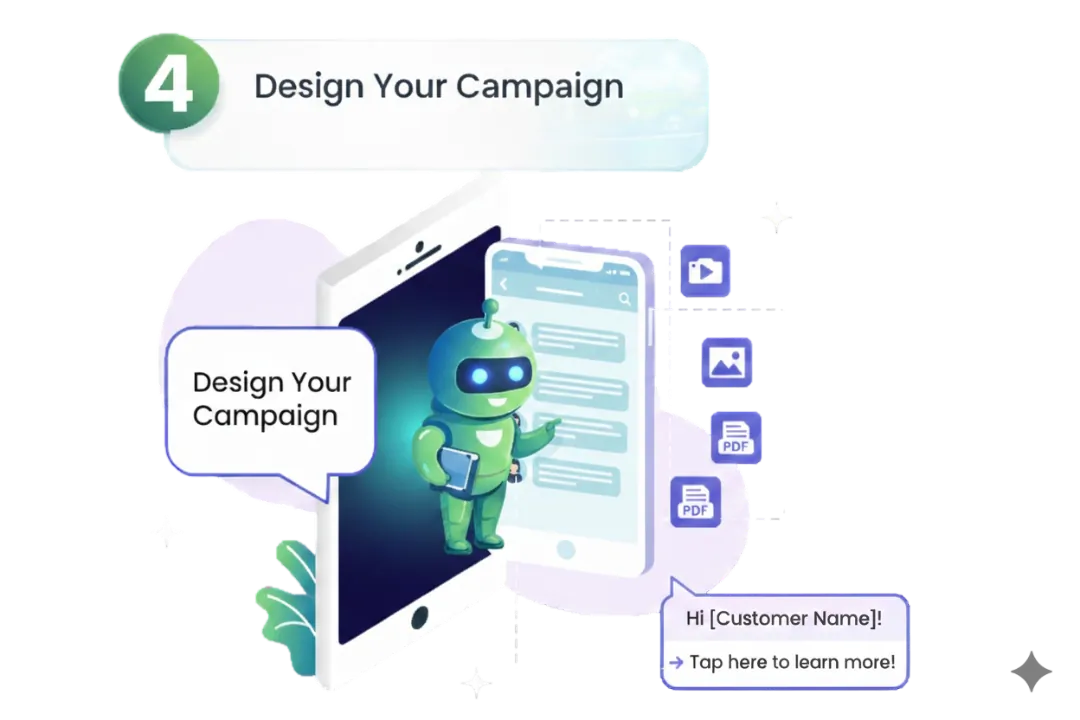
Step 4: Design your campaign
Design messages that grab attention and invite engagement. Make use of pictures, videos or PDFs to make campaigns more interactive. Personalize the introduction of each message with customer names or preferences, and include clear calls-to-action (CTAs) that move recipients to respond.
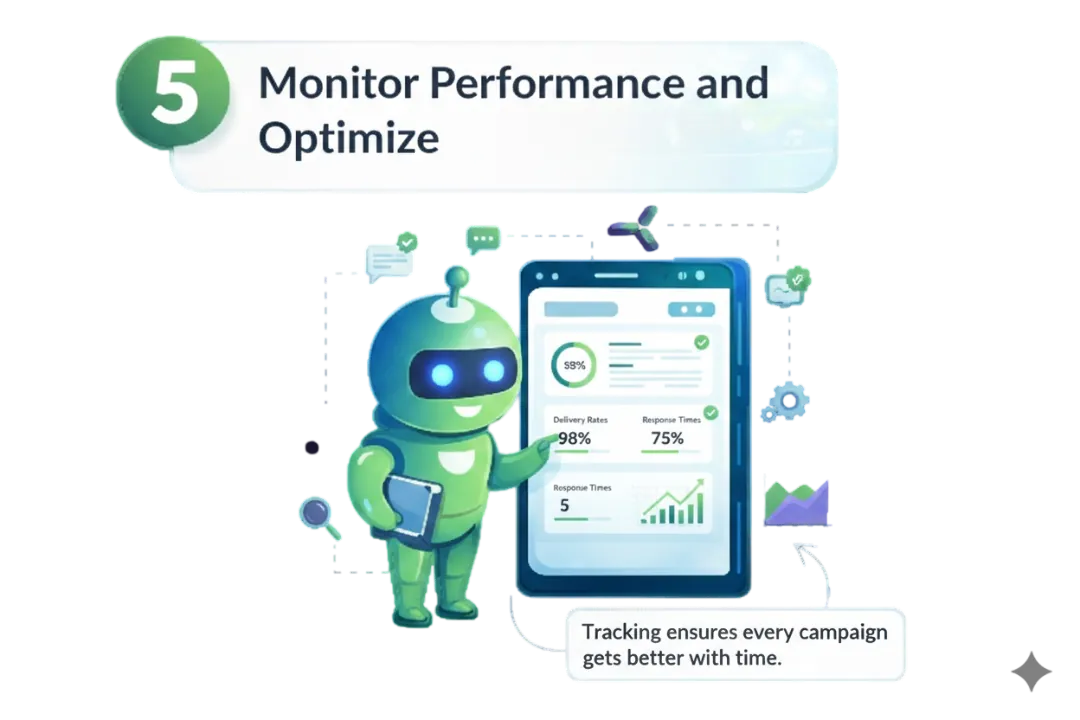
Step 5: Monitor performance and optimize
Log in to monitor results through WhatsApp chat tracking and outgoing tracking. Metrics include delivery rates, open rates and response times. Insights from each campaign are used to tweak and optimize future campaigns for better results. Scheduling WhatsApp campaigns is incomplete without monitoring and optimization — tracking ensures every campaign gets better over time.
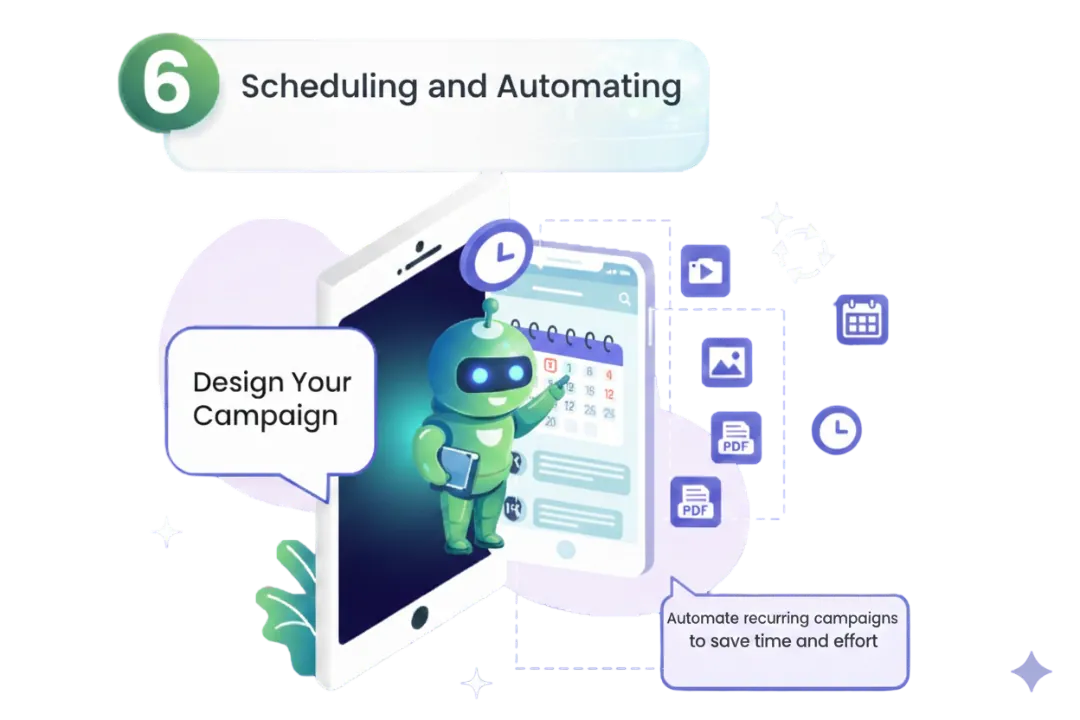
Step 6: Schedule and automate
Scheduling is all about using the WhatsApp campaign tool to set the date and time for the campaign, so messages reach audiences when they are most likely to engage. Automation also comes in handy for recurring campaigns, saving time and effort. Scheduling is one of the major components of a successful WhatsApp strategy, and automation is what makes it pay off.
Advantages of CRM integration in WhatsApp campaigns
Integrating your CRM into your WhatsApp campaigns can be a game-changing opportunity for any business. Here's why:
Cloudshope Technologies Pvt. Ltd. provides advanced solutions for CRM integration with chat, allowing businesses to run high-impact campaigns with ease. Integrating your CRM is another way to get the most out of scheduled WhatsApp campaigns.
- Centralized data management — Synchronize customer interactions across platforms for a seamless experience.
- Enhanced personalization — Use CRM data to send highly targeted messages for better engagement.
- Improved tracking — CRM integration gives you detailed tracking of customer responses and campaign performance.
- Streamlined operations — Automate workflows and eliminate manual tasks for increased efficiency.
Conclusion
Any business that intends to use WhatsApp effectively for marketing must understand how to schedule WhatsApp campaigns. WhatsApp chat tracking, scheduling via a reliable WhatsApp campaign scheduler and CRM integration with chat give your campaigns maximum exposure. Scheduling WhatsApp campaigns means sending relevant messages to people at the right time.
Cloudshope Technologies Pvt. Ltd. provides all the tools and expertise necessary for a successful WhatsApp marketing strategy. Start scheduling campaigns today and see an uptick in customer engagement! If you have lingering questions about how to schedule WhatsApp campaigns, Cloudshope Technologies Pvt. Ltd. will be glad to assist you.
Want this running on your numbers?
Start with a free trial — no card, and every service on one account.